ELDEN RING · Mods
ELDEN RING mod patch compatibility: what to check after updates
Use this after a game patch, DLC update or sudden modded launch failure.
Primary sections
Start with your problem
Players often delete files randomly after a patch instead of checking the loader, dependencies and latest mod updates in order.
Patch compatibility should be handled as a diagnosis checklist. Confirm the game changed, identify which loader or dependency changed, check original mod pages and test one change at a time.
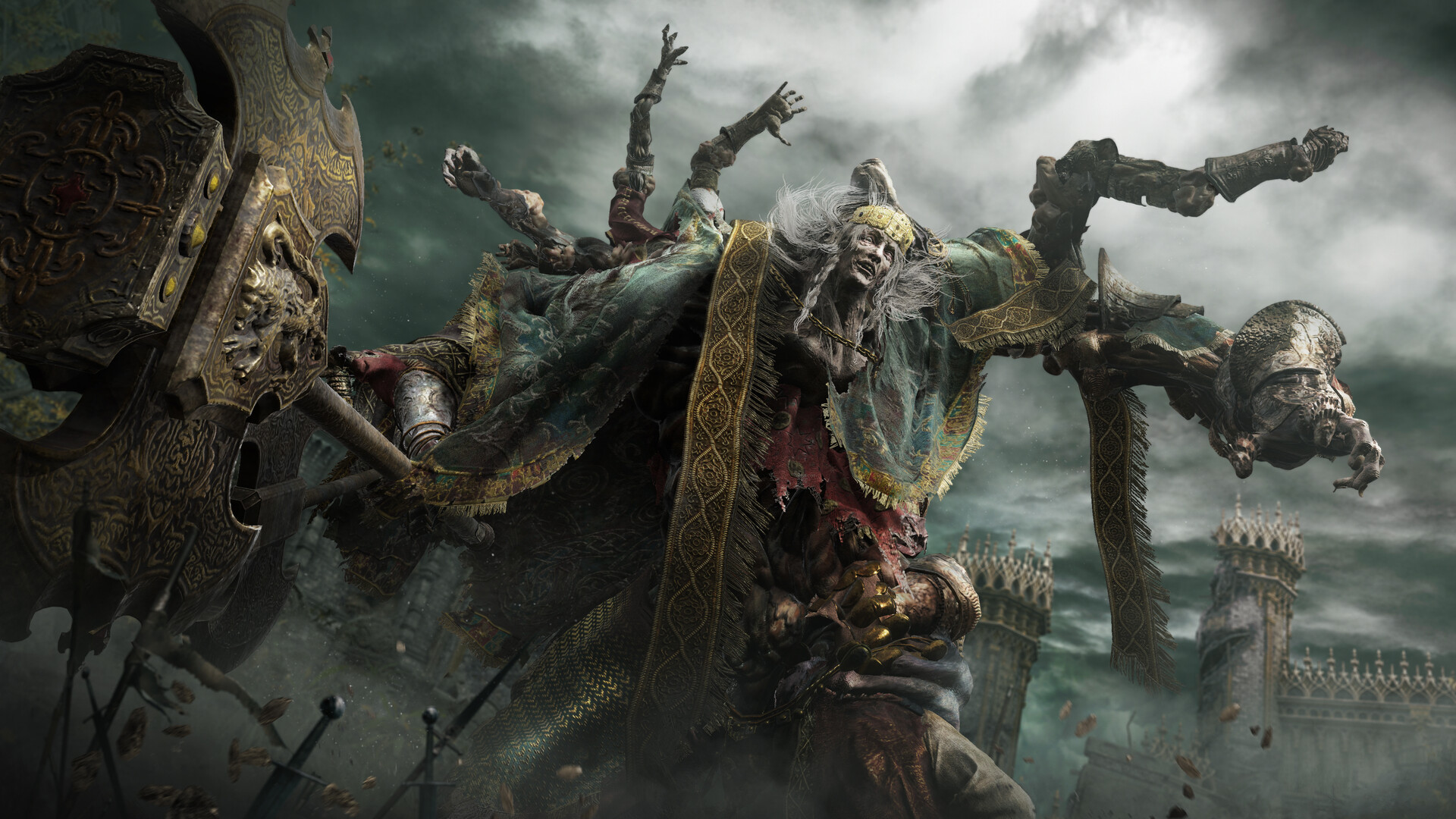
Video
Shadow of the Erdtree gameplay reveal trailer
Use DLC media when a page touches Shadow of the Erdtree, late-game builds or patch compatibility.
Open official Steam mediaStructured data
Real entries to check while playing
These tables turn the page into a working reference instead of a text-only article. Exact values should stay tied to the source trail and update date.
Database
Patch compatibility data
| Check | Why it matters | Where to verify | Decision | Verification | Sources |
|---|---|---|---|---|---|
| Steam game update | Base files or behavior may have changed | Steam update history and launch state | Do a clean no-mod launch first | patch-sensitive guidance medium confidence 2026-05-07 | ELDEN RING Steam storeMod Engine 2 GitHub repositorySeamless Co-op Nexus Mods pageShadow of the Erdtree official page |
| Loader release notes | Loaders often break after game updates | Mod Engine 2 GitHub or loader source | Wait for update if release notes mention incompatibility | patch-sensitive guidance medium confidence 2026-05-07 | ELDEN RING Steam storeMod Engine 2 GitHub repositorySeamless Co-op Nexus Mods pageShadow of the Erdtree official page |
| Dependency mods | A child mod can fail because a dependency is outdated | Original mod page requirements | Update dependency before blaming the save | patch-sensitive guidance medium confidence 2026-05-07 | ELDEN RING Steam storeMod Engine 2 GitHub repositorySeamless Co-op Nexus Mods pageShadow of the Erdtree official page |
| Save backup | Testing can change state or hide the original issue | Local backup folder date | Back up before launching modded after patch | patch-sensitive guidance medium confidence 2026-05-07 | ELDEN RING Steam storeMod Engine 2 GitHub repositorySeamless Co-op Nexus Mods pageShadow of the Erdtree official page |
| DLC support | DLC may add files, balance and route changes | Official DLC page and mod author notes | Use DLC labels and wait for compatibility notes | patch-sensitive guidance medium confidence 2026-05-07 | ELDEN RING Steam storeMod Engine 2 GitHub repositorySeamless Co-op Nexus Mods pageShadow of the Erdtree official page |
Player problem
Players often delete files randomly after a patch instead of checking the loader, dependencies and latest mod updates in order.
Patch compatibility should be handled as a diagnosis checklist. Confirm the game changed, identify which loader or dependency changed, check original mod pages and test one change at a time.
Patch diagnosis order
Handle compatibility problems in a stable order.
- Confirm the game updated.
- Check loader release notes.
- Check dependency mods.
- Disable the newest or most invasive mod first.
DLC-specific risk
DLC can affect balance, files, dependencies and player expectations.
- Separate base-game and DLC pages.
- Use official DLC sources for release context.
- Check whether mod authors mention DLC support.
- Do not launch a critical save before confirming compatibility.
Recovery strategy
A recovery process should preserve evidence and saves.
- Copy error messages or crash behavior.
- Back up current saves before restoring old files.
- Use clean launch as a control test.
- Reintroduce mods one at a time.
After-patch checklist
| Step | Question | Action |
|---|---|---|
| Game version | Did ELDEN RING update? | Check Steam update state |
| Loader | Did the loader update? | Read GitHub release notes |
| Dependencies | Did required mods update? | Open each source page |
| Save | Is the save safe? | Back up before launching modded |
| Page scope | ELDEN RING mod patch compatibility: what to check after updates | Use this page-specific source trail before applying the recommendation. |
Action checklist
Do this in order
- Do a clean no-mod launch check.
- Read loader release notes.
- Open each mod source page.
- Back up saves.
- Re-enable mods one at a time.
FAQ
Common questions
Should I wait after a major patch?
If you use mods, yes. Wait for loader and dependency notes before launching important saves.
Which mod should I disable first?
Start with the newest, most invasive or dependency-heavy change.
Sources